Optimizing Your Coffee Roasting: The Ultimate Guide to Charge Temperature Adjustment
As coffee roasters—whether you're a professional or a passionate hobbyist—the quality of your coffee is determined by various factors, from the type of beans you choose to the roasting process. One crucial element that plays a significant role in determining the final flavor profile is charge temperature. But what happens when you want to roast below the full capacity of your machine? Does the charge temperature need to be adjusted, and if so, how can you ensure consistent results? This is where our Charge Temperature Calculator comes into play.
What is Charge Temperature in Coffee Roasting?
Charge temperature refers to the temperature at which coffee beans are introduced into the roasting machine. It’s a critical factor that affects the entire roasting process, including the Maillard reaction, caramelization, and the development of flavor. Typically, charge temperature is set based on the machine’s full capacity—but what happens when you roast smaller batches?
Roasting Below Full Capacity: Why Does Charge Temperature Matter?
If you own a coffee roaster, you know how important consistency is. Sometimes, you may not need to roast a full batch—and that’s when charge temperature becomes even more important.
Heat Transfer Efficiency: Smaller batches mean less mass, which affects how heat transfers. Without adjusting the charge temperature, your beans may roast unevenly or become over/underdeveloped.
Consistency in Results: Consistency is key in delivering the perfect cup. Without adjustments, flavor profiles may vary drastically between batches.
Energy Efficiency: Roasting small batches at full-capacity settings can waste energy if the charge temperature isn't optimized.
Introducing the Charge Temperature Calculator
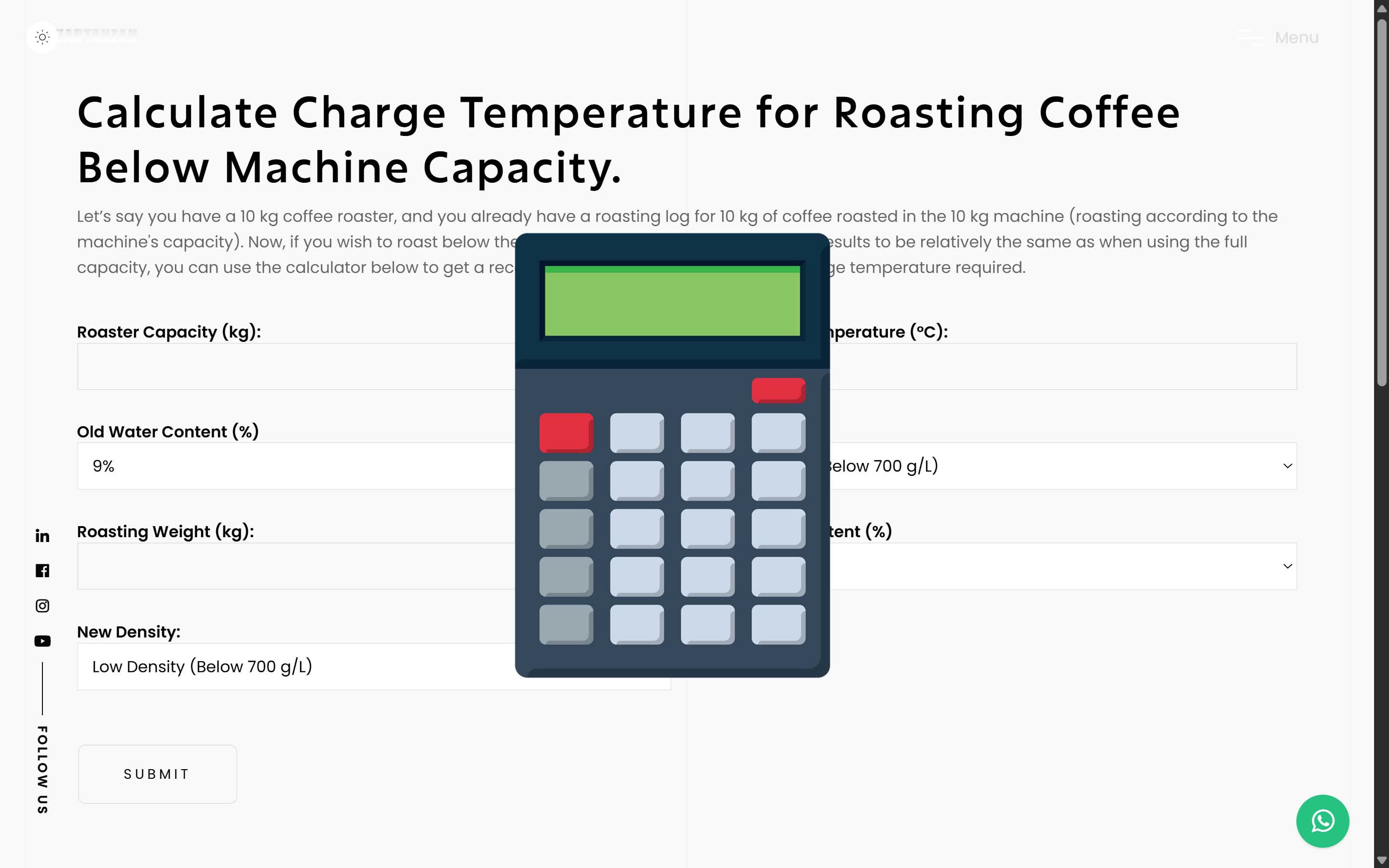
Our calculator is designed to help you determine the optimal charge temperature when roasting below your machine’s full capacity. Here's what it considers:
Full Weight and Old Charge Temperature: Start by entering your machine's maximum batch weight and your usual charge temperature.
Water Content: Moisture level affects heat absorption. The calculator adjusts based on both old and new water content.
Density Adjustments: Bean density matters. Input both old and new bean densities to get accurate temperature recommendations.
New Weight: Input your current batch weight, and the calculator adjusts the charge temperature accordingly.
How Does the Calculator Help?
Once you provide the required information, the calculator will recommend a new charge temperature that maintains the flavor profile of your full-capacity roasts. If your new batch is below 40% of the original weight, it will alert you—preventing under-roasting.
Why is Charge Temperature Adjustment Important?
- Underdeveloped Flavors: Too low a temperature might not fully develop the coffee’s potential.
- Over-roasting: Too high a temperature can burn or overdevelop the beans.
- Inconsistent Roasts: Without proper adjustments, smaller batches can result in uneven flavor and roast levels.
Final Thoughts
Whether you're striving for excellence in your café or experimenting at home, understanding how to adjust charge temperature is essential. The Charge Temperature Calculator allows you to confidently roast small batches without sacrificing quality.
No more guesswork—just accurate, data-based roasting every time. So, the next time you're roasting below capacity, use the calculator to dial in the perfect charge temperature.